Give each environment its own profile
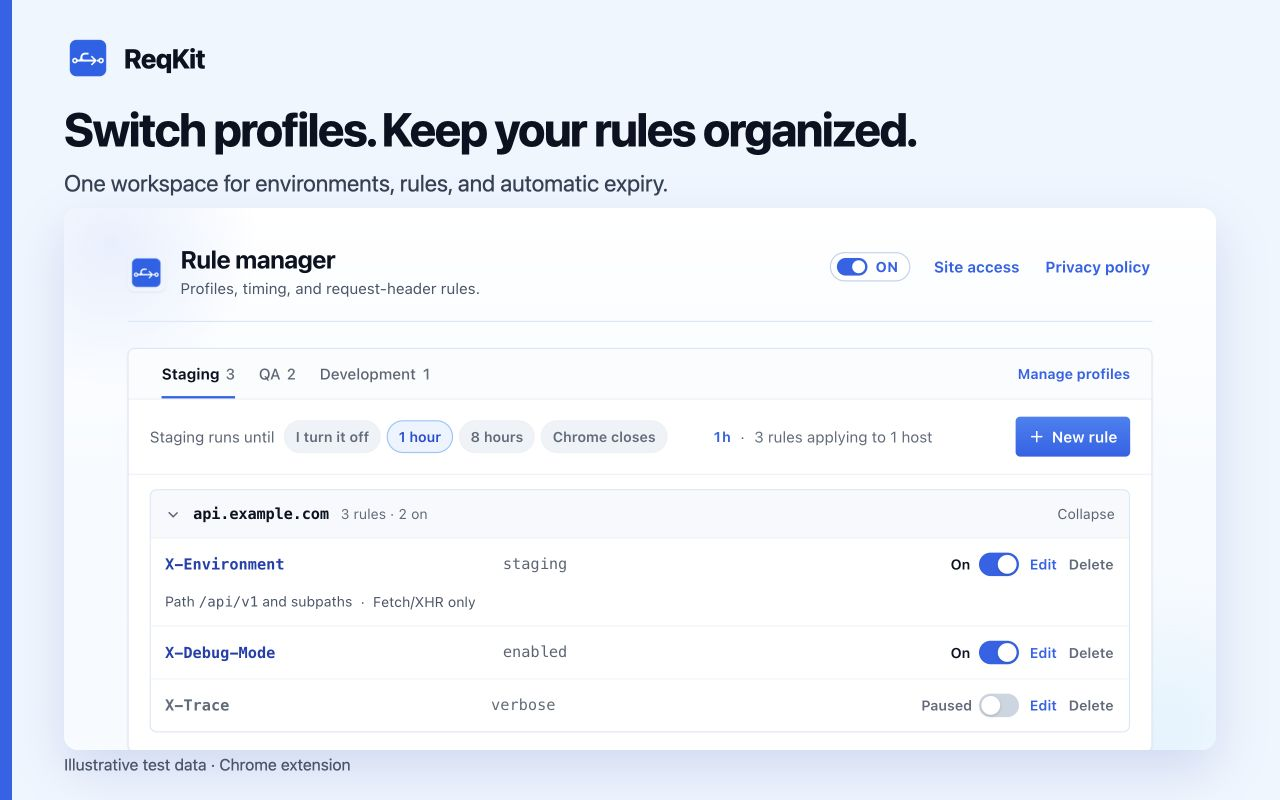
Profiles are separate collections of rules. Only the selected profile applies. Each other profile keeps its saved On and Paused states, so switching environments does not require retyping every value.
- Open ReqKit and choose Manage profiles and all rules to open the rule manager.
- Open Manage profiles, choose New profile, name it Staging, and save it.
- Select the Staging tab, then create the rules needed for your authorized staging test host.
- Create a QA profile and its rules in the same way. Use different values or hosts as your test setup requires.
- Select the desired profile tab before triggering a new request.
Understand switching and permissions
Switching to a profile asks for site access it still needs. If you decline, the profile still switches, but rules without access stay saved and do not apply. Use their Grant action when you are ready to allow the exact host.
Switching profiles also disarms the previous activation timer. Choose a duration again for the newly selected profile if you want automatic expiry. The timer belongs to the activation, rather than being carried from the old profile.
Duplicate a useful starting point
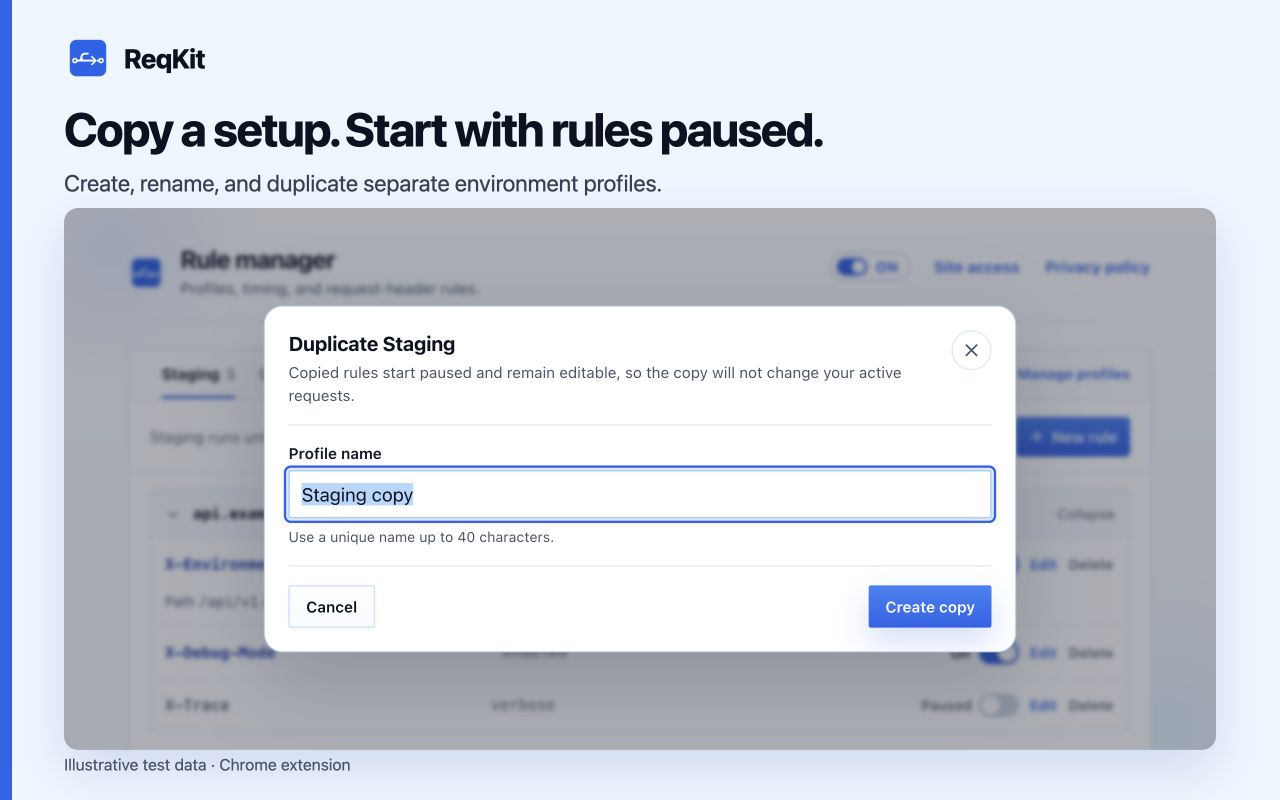
In Manage profiles, choose Duplicate beside an existing profile. ReqKit copies its rules into a new profile with every copied rule paused. Rename the profile and edit hosts or values before enabling the rules you need.
Keep changes predictable
- The popup focuses on the current site's rules; use the rule manager to review all hosts in the selected profile.
- Pausing the master switch suspends all rules while preserving each rule's own On or Paused state.
- Renaming a profile keeps its rules. Deleting a profile also deletes every rule assigned to it; review the confirmation before deleting.
- A duplicated rule retains its host and scope, so review those along with the header value before enabling it.