Choose how long a profile applies
Stop temporary headers automatically. Keep the rules saved.
- Open the manager and select a profile.
- Choose 1 hour , 8 hours , Chrome closes , or manual shutoff.
- Enable the master switch and required rules. Confirm exact-host access.
- Continue testing. Chrome alarms enforce timed expiry with HeaderKit pages closed.
| Duration | When headers stop applying |
|---|---|
| 1 hour | One hour after arming. |
| 8 hours | Eight hours after arming. |
| Chrome closes | At session end. Closing one window may leave Chrome running. |
| Manual shutoff | On pausing the profile or all rules. |
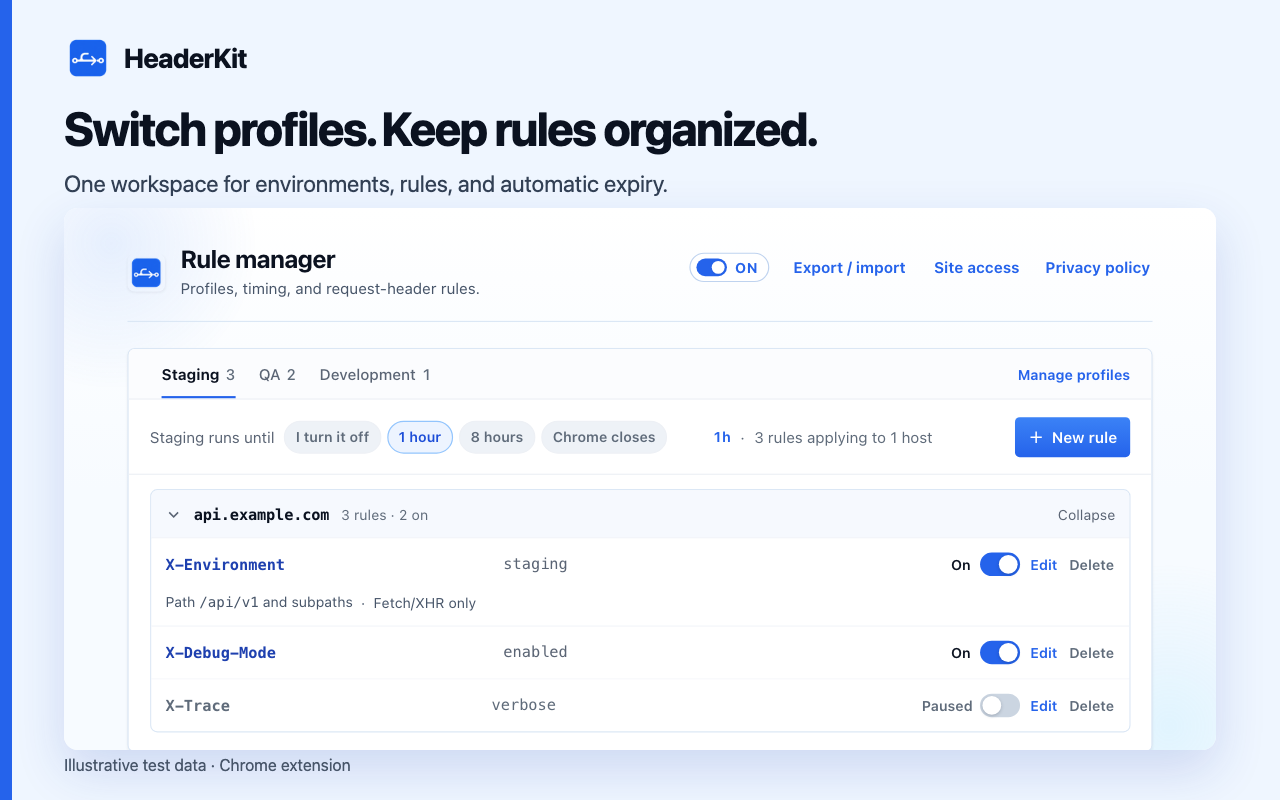
What happens when the timer ends?
Park the active profile at expiry. Keep names, values, scopes, and On/Paused states saved. Resume as needed and choose a fresh timer.
Switch profiles to clear the timer. Choose a duration to restart it. Check the active profile and remaining time.
Pause everything immediately
Use the master switch or press
Alt+Shift+X
. Check shortcut availability in Chrome settings. Expect an
off
badge while rules are held back. Resume previous rule states without enabling individually paused rules.
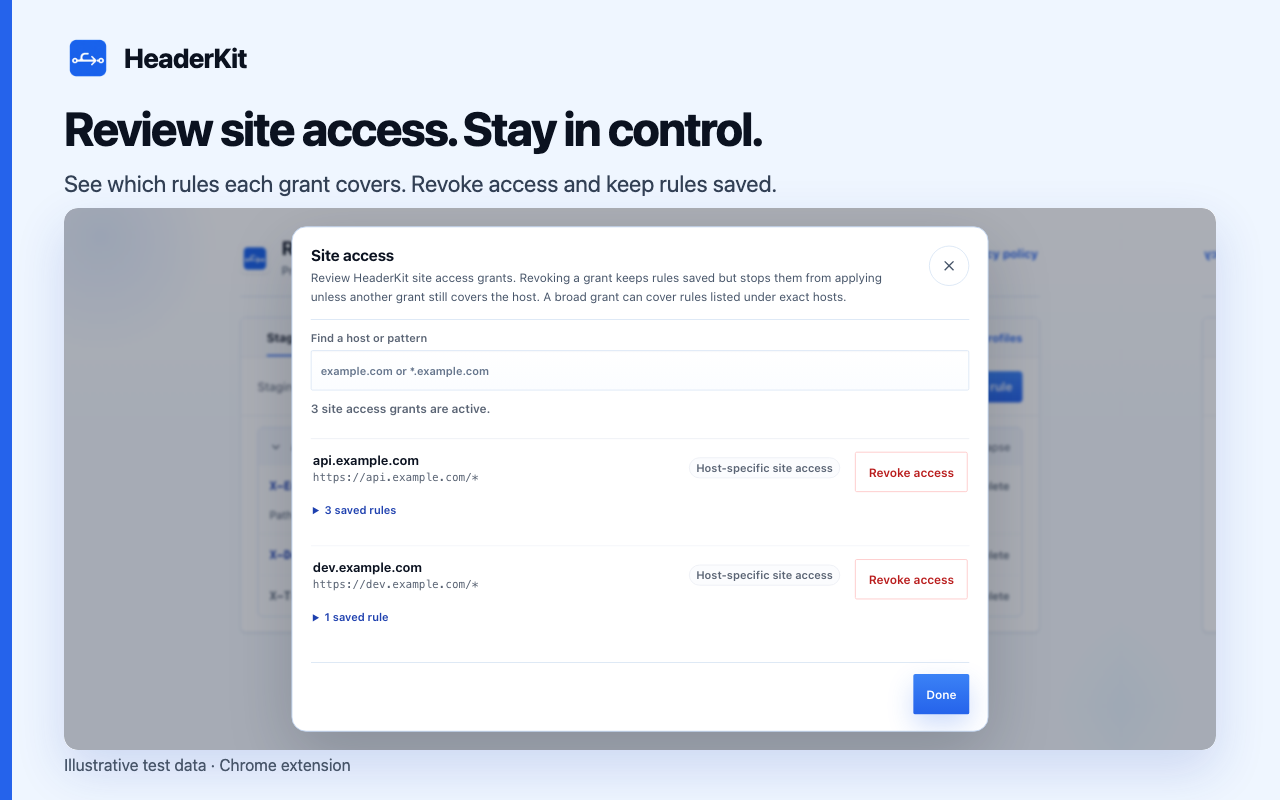
Review site access separately
Stop rules with the timer. Keep rules and grants saved. Open Site access to revoke grants. Keep affected rules saved and inactive unless another grant covers the host.